
“I needed an AI Video Generator App that did not feel overwhelming. VIBE helps me turn simple text prompts into product clips and post faster on Instagram and TikTok.”
Lena M.
Small Business Owner
 VIBE: AI Video Generator
AI VIDEO GENERATOR APP
VIBE: AI Video Generator is an AI video generator app for iOS and Android. Create videos from text prompts or images with Kling 3, Sora 2, and Veo 3.1 Fast.
VIBE is built for real life. If you are busy and not technical, this AI Video App keeps creation simple: write, generate, and share. You can make content for your business, social channels, or personal moments without feeling buried in complicated controls.
a penguin walks away from the camera, towards a large snowy mountaintop in the distance
Generate ->

Testimonials
People choose VIBE because AI video creation feels straightforward: clear steps, fast drafts, and less friction.
“I needed an AI Video Generator App that did not feel overwhelming. VIBE helps me turn simple text prompts into product clips and post faster on Instagram and TikTok.”
Lena M.
Small Business Owner
“I tried a lot of AI Video tools, but VIBE is the easiest for daily use. The image-to-video flow is clear, and having Kling 3 and Sora 2 in one app saves me hours each week.”
Chris T.
Content Creator
“Our team uses VIBE as our AI Video Maker for ad creatives and social posts. The mobile workflow helps us move from idea to published video much faster.”
Maya R.
Marketing Manager
“If you need an AI Video Generator for YouTube Shorts, VIBE is a great fit. Prompts are easy to write, the output looks clean, and export is fast.”
Daniel K.
YouTube Shorts Creator
Real Results
These examples show what happens when a simple prompt meets a clear workflow. You do not need advanced editing skills to create videos that look ready for social posts, ads, or personal projects.
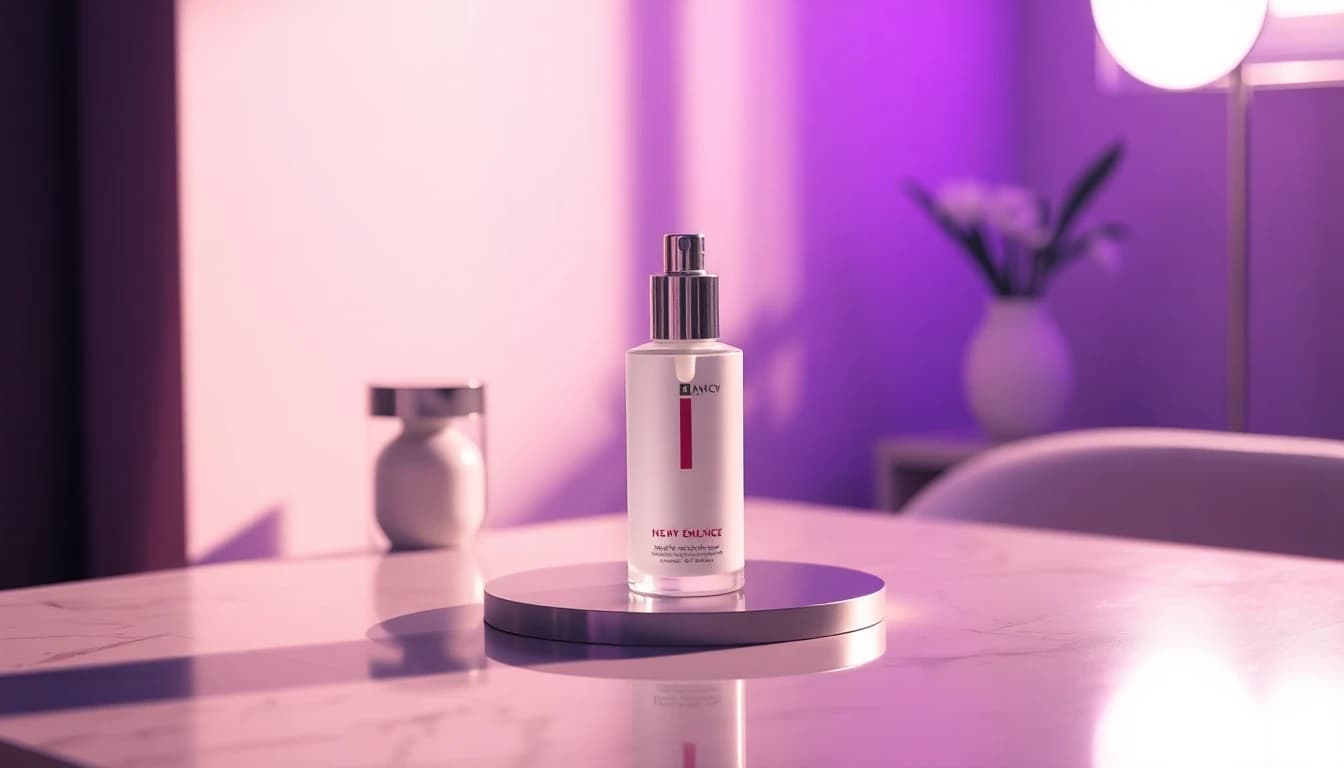
Prompt
Clean skincare bottle on a white table, soft motion, premium light.
Result
A polished short clip ready for Instagram Reels and product pages.
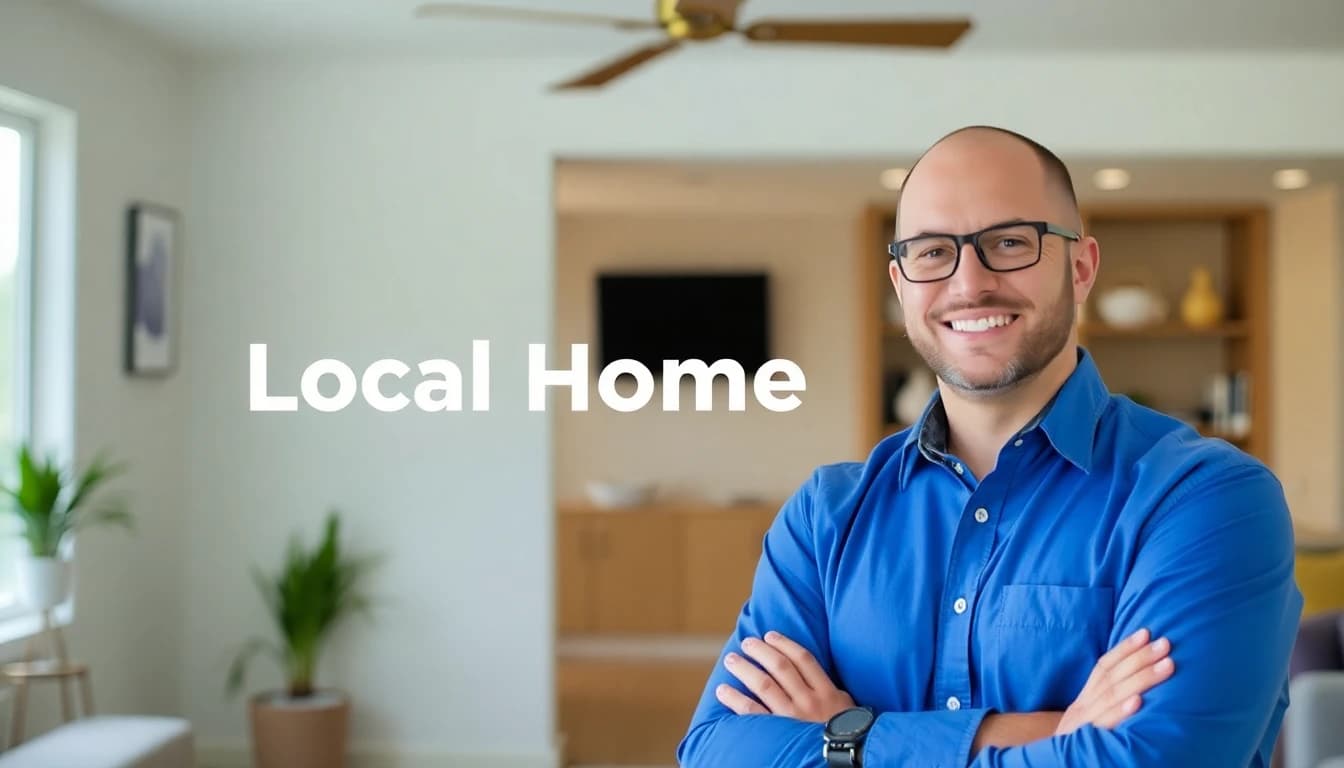
Prompt
Friendly home service intro, bright room, clear text headline.
Result
A simple promo video you can post on social in minutes.

Prompt
Animate a favorite family photo with gentle zoom and warm tone.
Result
A meaningful short video for birthdays and milestones.

Prompt
Modern event teaser, energetic motion, clean typography.
Result
A scroll-stopping announcement for TikTok and Stories.
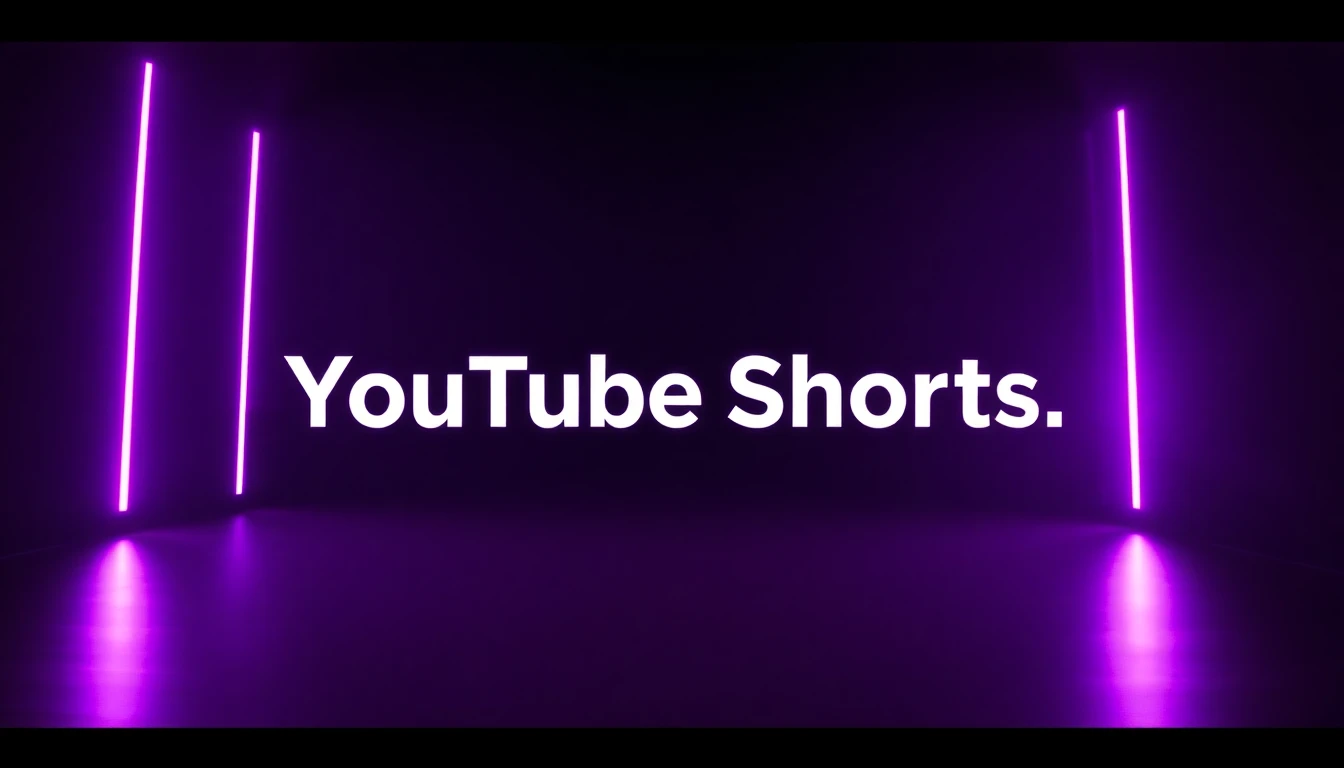
Prompt
Fast intro scene with topic title and cinematic movement.
Result
A reusable video opener for weekly Shorts content.

Prompt
Show product details with smooth camera movement and bold color.
Result
A premium-looking brand clip without complex editing.
Why Download the App
The app keeps prompt writing, model selection, generation, and export in one place. If your goal is to post more often with less effort, mobile is the fastest place to start.
Open VIBE, type your idea, and generate right away. It is built for quick creation on iOS and Android.
Go from prompt to export in one clear flow, then publish without jumping between tools.
The app uses plain language and guided steps, so first-time users can create with confidence.
Use Kling 3, Sora 2, Google Veo 3.1 Fast, Seedance, WAN, and Grok Imagine in one place.
Popular Creations
Watch a few real examples before you download. You will quickly see the quality range and the kinds of videos you can generate from a simple prompt.
Prompt Demo
Open on YouTubePrompt
First-person POV of a roller coaster plunging into an erupting volcano, spiraling through lava and blasting into a sunset sky above the clouds.
Prompt Demo
Open on YouTubePrompt
A lush jungle made of tiny lego-like pieces, with a rainbow chameleon running through the scene and cinematic focus shifts.
Prompt Demo
Open on YouTubePrompt
A penguin walks away from the camera toward a snowy mountain in the distance.
Prompt Demo
Open on YouTubePrompt
A massive alien spaceship rises from the East River near Brooklyn Bridge at golden hour as the skyline shakes with sound and motion.
Prompt Demo
Open on YouTubePrompt
A living fire dragon flies over a frozen Nordic fjord at twilight, melting ice and lighting mountains under northern lights.
Google Veo 3.1 Fast
Open on YouTubePrompt
Model quality example from the Veo 3.1 generation flow.
Extra Prompt Idea
The camera zooms in on the man as he lifts both arms up in celebration.
This kind of short celebratory clip works well for social posts, reactions, and milestone announcements.
Download VIBE, start with one short prompt, and test a few versions. Pick your favorite result and post it to Reels, Shorts, TikTok, or your next ad campaign.
How It Works
If video creation has felt too technical in the past, this is for you. VIBE keeps each decision clear so you can move from idea to publish without guesswork.
Write your idea the way you would say it to a person. For example: cozy sunset over the sea with soft light. VIBE reads that AI Video Prompt and builds a draft quickly, so AI Video From Text feels easy even if you are brand new.
Choose the model based on your goal. Use Google Veo 3.1 Fast when speed matters, pick Sora 2 or Kling 3 for a cinematic look, or test Seedance and WAN for variety. You get flexibility without technical overload.
Export your final video and publish it to TikTok, Instagram Reels, YouTube Shorts, ads, or product pages. This fast workflow is why people use VIBE as an AI Video Clip Generator and AI Video Ad Generator for everyday content.
Shorts Preview
Every video here uses the 9:16 format. Swipe through to explore different looks and get inspiration for your next post.
Create Videos from Text Prompts
Text to video should feel simple. In VIBE, you type an idea, choose a style, and generate. That is why people searching for an AI Video Generator From Text or AI Video Generator Text to Video often start here.
You do not need fancy wording. A plain sentence like 'new product on a clean table, bright morning light' is enough. VIBE turns natural language into motion, which makes it a practical AI Video Creator App for creators and small teams.
When you are testing campaigns or social hooks, speed matters. You can create several versions, compare them, and keep the strongest one. If you are looking for an AI Video Generator Best workflow, quick iteration usually beats complex controls.
Beginners can start free and improve fast. Generate one draft, tweak the prompt, and regenerate. That loop is why many users treat VIBE as their everyday AI Video App Free starting point.
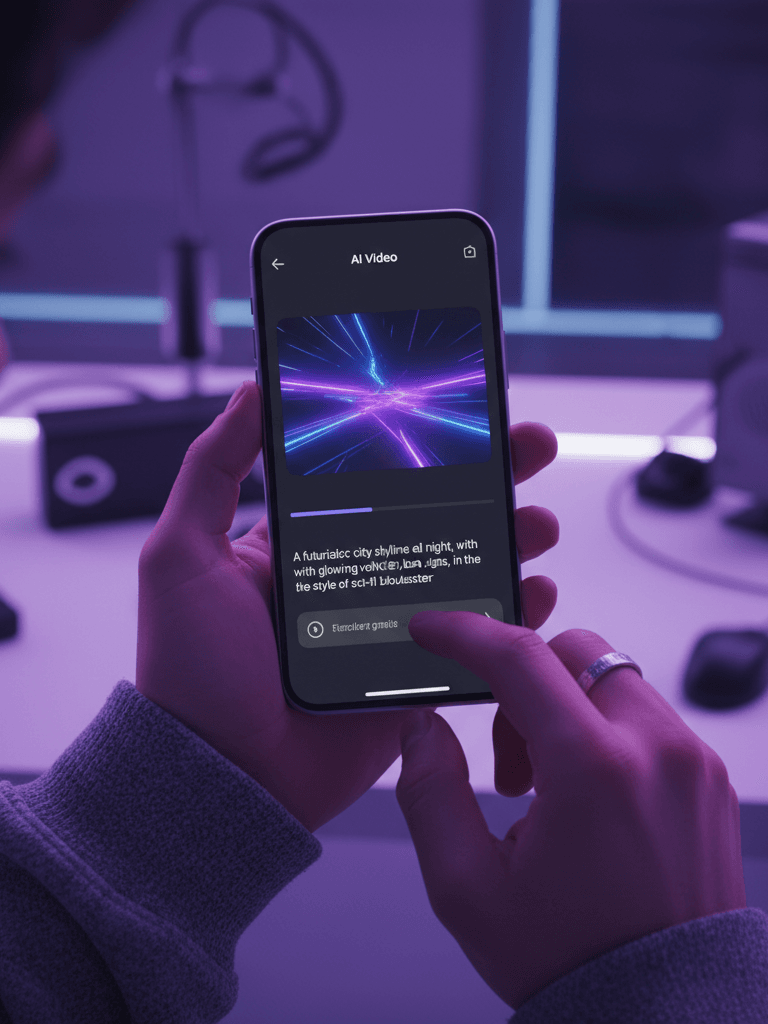
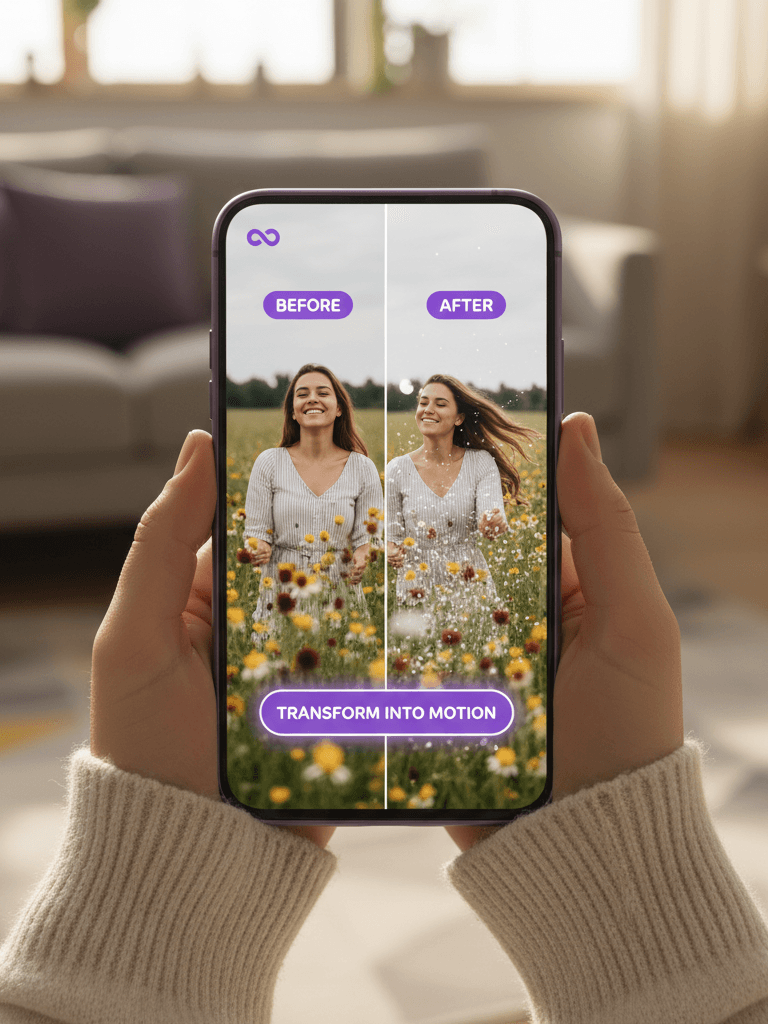
Generate Videos from Images
If you already have a great photo, image to video is the fastest path. Upload once and VIBE adds natural movement in seconds. It is ideal for anyone searching for an AI Video Generator From Image or AI Video From Photo workflow.
Guide the motion with simple instructions like gentle zoom, slow pan, cinematic drift, or energetic social style. VIBE handles the technical animation while you focus on the story.
For businesses, one product image can become a clean promo clip. For creators, one portrait can become a scroll-stopping opener. That is why many users describe VIBE as an AI Video Animation Generator that still feels easy to use.
For families, it is also a memory tool. A birthday, holiday, or milestone photo can become a short keepsake video you can share right away, without learning editing software.
AI Models Available
One of the biggest reasons people choose VIBE is model choice without complexity. You do not need to switch tools or relearn new dashboards each time. Open one app, pick a model, and keep creating.
Prompt
A massive alien spaceship, miles long and covered in glowing blue circuits, slowly rises from the East River in Manhattan. Water cascades off its hull as it ascends past the Brooklyn Bridge. Helicopters scatter, car alarms blare across the city. The camera captures this from a rooftop in DUMBO, showing the ship dwarfing the entire skyline as golden sunset light reflects off its surface. Thunderous rumbling, water crashing, distant sirens.
Kling 3 is great when you want strong motion and a polished visual style. It works well for lifestyle clips, beauty content, and brand storytelling.
Sora 2 is useful when you want cinematic structure and richer scene composition. It is a strong choice for premium social content and campaign visuals.
Google Veo 3.1 Fast is ideal when speed matters. You can test many prompt ideas quickly and move from draft to decision without long waiting times.
Seedance is a good fit for playful movement and trend-driven short clips. It can be very useful for social-first content and quick creative experiments.
WAN gives flexible output styles for users who want to try different visual directions. It is practical for testing several ideas before final export.
Grok Imagine helps generate unique concept styles and fresh visual ideas. It is helpful when you want content that feels different and memorable.
Who This App Is For
Our audience includes business owners, creators, students, marketers, parents, and lean teams. If your schedule is full, you need tools that are clear and fast. VIBE is built for that reality.
People searching for an AI Video Maker, AI Video Creator, or AI Video Editor App usually want speed plus simplicity. VIBE gives you both in a mobile-first workflow.
If you run a boutique, salon, wellness practice, local service, or online store, VIBE helps you turn product photos and simple text into clear marketing videos without hiring a full production team.
If you post often and need fresh content every week, VIBE gives you a repeatable path: idea, generate, export, post.
Turn family photos into short videos for birthdays, anniversaries, and memory albums. The app is easy for first-time users and still strong enough for polished results.
If your team needs fast content for launches, promotions, or seasonal campaigns, VIBE helps you produce more options in less time. It is a practical AI Video Making App for busy schedules.
Export for TikTok, YouTube, and Instagram
For TikTok, VIBE helps you test hook ideas quickly and post more often. If you are comparing AI Video Generator options, this speed makes a big difference.
For Instagram Reels, VIBE supports clean brand visuals, product storytelling, and lifestyle clips that feel natural on mobile.
For YouTube Shorts, VIBE makes intros, explainers, and topic highlights easier to produce. Many creators choose it as an AI Video Generator For YouTube because the workflow stays simple.
If you are searching terms like AI Video Generator No Login, AI Video Generator No Limits, AI Video Free, or AI Video Maker Free, you are usually looking for speed and ease. That practical workflow is exactly what VIBE is built for.
Use-Case Templates
These starter prompts are here for busy days. Pick one, edit a few words, and generate.
Show [product] on a clean table, smooth camera move, elegant premium light.
Warm food close-up, inviting atmosphere, modern text overlay, quick reveal.
Fast opening shot, bold headline, energetic motion, high contrast style.
Topic intro scene, clear title card, cinematic movement, clean background.
Animate photo with gentle zoom, warm mood, soft motion, memory style.
Modern teaser for [event/product], punchy transitions, social-ready pacing.
60-Second Start
You do not need a long tutorial. Follow these three quick steps and publish your first video in minutes.
00:00
Describe your idea in plain words. Keep it short and clear.
00:20
Choose speed or style with Kling 3, Sora 2, Veo 3.1 Fast, and more.
00:40
Review your video, download it, and post to TikTok, Reels, or Shorts.
Pricing and Free Start
Start with the app and test your workflow first. If you need more output later, upgrade in the store flow.
Install the app and test your first ideas. This is the easiest way to see if VIBE matches your workflow.
If you create often, choose a larger in-app plan for more generations and faster content output.
Pricing details, billing, and subscription management are shown in App Store and Google Play.
Pricing and plan details can vary by country, platform, and current offer. Check the latest details inside the App Store or Google Play.
VIBE vs Other Tools
If you are comparing tools and looking for the best AI Video Generator for your workflow, this quick table helps. VIBE combines speed, a simple mobile experience, and multiple top models in one app.
| Tool | Speed | Ease of Use | Models in One App | Mobile Workflow | Technical Setup |
|---|---|---|---|---|---|
| VIBE: AI Video Generator | Fast generation for daily content | Beginner-friendly AI Video Maker App flow | Kling 3, Sora 2, Veo 3.1 Fast, Seedance, WAN, Grok Imagine | Built for iOS and Android from day one | No technical setup required |
| Traditional video editor | Usually slower for first drafts | Learning curve with advanced timelines | No integrated AI model selection | Often desktop-first workflow | Manual editing skills needed |
| Single-model AI tool | Can be fast but limited choices | Simple for one style only | One model only | Varies by platform | May require tool switching later |
If you want an AI Video Generator App that is simple, fast, and reliable, VIBE is a strong all-in-one option for iOS and Android.
FAQ
These answers are written in plain language so you can decide quickly and confidently.
Yes. VIBE: AI Video Generator is available on iOS and Android, and it is built for people who want fast video creation without a complicated editor.
Yes. VIBE works as an AI Video Generator From Text. Type your idea in plain language, pick a model, and generate your video.
Yes. VIBE supports AI Video Generator From Image workflows. Upload one photo, choose a motion style, and create a short video quickly.
VIBE supports Kling 3, Sora 2, Google Veo 3.1 Fast, Seedance, WAN, and Grok Imagine. You can choose the model that matches your goal for speed, style, or quality.
Yes. VIBE is used for TikTok clips, Instagram Reels, YouTube Shorts, and ad creatives. It is a practical AI Video Ad Generator for everyday marketing needs.
No. VIBE is designed for non-technical users, with guided steps and clear choices.
Yes. You can use VIBE on mobile and also access the web experience, which helps users looking for an AI Video Generator Free Online option.
VIBE combines multiple top models in one simple flow and focuses on real publishing goals. It is built for users who want results, not complexity.
Yes. Many creators use VIBE as an AI Video Generator For YouTube, especially for Shorts, intros, and explainers.
The best option is usually the one you can use quickly every day. VIBE is built for fast TikTok workflows with simple prompt writing, quick generation, and easy export.
Yes. VIBE offers a free start and web access, which helps users looking for an AI Video Maker Free or AI Video Generator Free Online option.
VIBE: AI Video Generator is an AI video generator app for iOS and Android. Create videos from text prompts or images with Kling 3, Sora 2, and Veo 3.1 Fast.
Trust and Safety
Trust matters. We keep key information clear and visible before you install.
Clear Privacy Policy and Terms of Service pages.
Official download links from Apple App Store and Google Play.
Transparent company contact details for support and legal requests.
Simple language so users understand what the app does before downloading.
Final CTA
VIBE: AI Video GeneratorIf you want a modern AI Video Generator that feels easy to use, start with the official app. Use the App Store or Google Play badges below to install VIBE in seconds.
VIBE is an AI Video Generator App built for fast mobile creation. Turn text-to-video ideas and image-to-video photos into content for TikTok, Instagram Reels, and YouTube Shorts.
Install VIBE to create video ads, product clips, and personal stories from your phone without complex editing tools. This AI Video Maker App is designed to move you from idea to publish in minutes.
Social Proof
Why people keep choosing VIBE
VIBE is used by people with very different goals, but the pattern is consistent: clear workflow, faster output, and easier weekly posting.
Creators use VIBE to keep a consistent weekly posting rhythm.
Small business owners use VIBE to make product videos and short ads faster.
Marketing teams use VIBE to test multiple concepts before launch day.
Families use VIBE to turn favorite photos into short motion memories.
I made my first AI video in minutes, and it felt ready to post.
The app is clear and calm. I did not need technical experience.
We can now test several video ideas in one sitting.